.png)
Best 7 social media tools for ecommerce – Expert Comparison 2025

Finding the right tools to grow your online presence can feel overwhelming with so many options promising instant results. Whether you want help with content planning, campaign management, or keeping your audience engaged, the real challenge is figuring out which solution actually matches your goals. Some focus on automation and analytics while others lean into personal support or creative features. The differences can be subtle but they matter when it comes to saving time and getting real results. Curious which approach will work best for your business? Let’s look at the strengths and quirks that set each option apart.
Table of Contents
I Want To Be Seen

At a Glance
I Want To Be Seen is a full-service e-commerce marketing partner that combines strategic leadership, hands-on execution and AI-driven automation to scale online stores without the overhead of a large in-house team. Its blend of SEO, social media, branding, paid ads and website optimisation makes it a single source of truth for merchants who want growth with clarity. Bottom line: if you need an accountable partner that treats your store like its own, this is built for you.
Core Features
I Want To Be Seen delivers comprehensive digital marketing services including SEO, social media, branding, paid ads and website optimisation, plus end-to-end e-commerce strategy development led by an experienced CEO. The platform uses AI to automate routine tasks and free up strategic time, and it pairs that automation with mentorship and strategic consulting so teams learn while they scale. Recognition and industry accolades further underline the agency’s credibility.
Pros
Comprehensive service offering: You get SEO, social, branding, paid ads and site optimisation from a single partner, which reduces vendor friction and speeds up decision-making.
Experienced leadership: The company is led by a CEO with proven e-commerce success and strategic expertise, so strategy is grounded in real operational experience.
AI-powered efficiency: AI is used to automate routine tasks, improving turnaround times and allowing focus on high-impact initiatives.
Mentorship and upskilling: The team provides mentorship that builds your in-house capability as well as delivering results, so you aren’t dependent forever.
Industry recognition: Awards and accolades validate their methodologies and give you confidence when pitching investors or stakeholders.
Who It’s For
This service is for e-commerce business owners and managers who want a single, strategic partner to drive growth across channels rather than piecing together multiple freelancers or agencies. If you value strategic mentorship, measurable SEO and PPC performance, and the operational gains from AI automation, this is aimed at you. It particularly suits stores preparing to scale or seeking smarter marketing ROI without expanding headcount.
Unique Value Proposition
I Want To Be Seen differentiates itself by marrying senior-led strategy with practical, AI-enhanced delivery. Unlike checklist agencies that outsource execution, this partner combines hands-on optimisation with mentorship so you gain knowledge as you grow. We offer digital marketing services specialising in SEO, AI , Social Media and PPC for eCommerce websites. We have over 25 years experience scaling multiple highly successful e-Commerce brands of our own and our clients. That depth of craft—plus proven systems and industry recognition—means the team can quickly diagnose organic and paid performance gaps, implement automated workflows to reduce wasted spend, and advise board-level strategic choices. In short: you get strategist-level thinking, execution-level discipline and technology to scale sustainably—faster than most competitors who offer only point solutions.
Real World Use Case
A mid-sized retailer partners with I Want To Be Seen to lift organic rankings and reduce paid CAC. The team audits the site, implements technical SEO fixes, rewrites category copy, deploys on-site CRO tests and automates routine campaign tasks via AI. Within months organic visibility improves and paid efficiency increases, while the retailer’s internal marketing lead receives tailored mentorship to manage future growth.
Pricing
Not specified on the website
Website: https://iwanttobeseen.online
Hootsuite
At a Glance
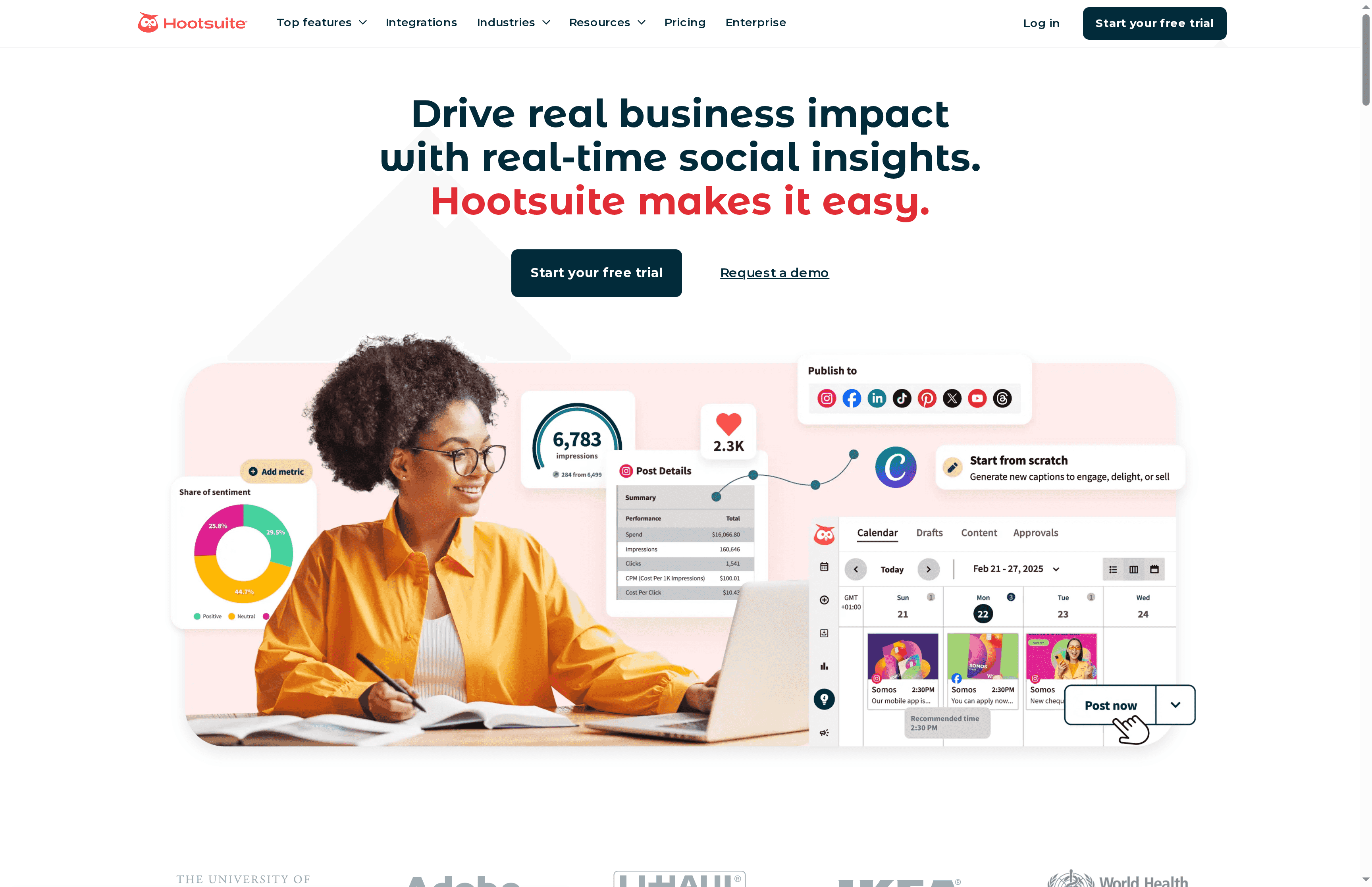
Hootsuite is a mature, feature-rich social media management platform designed to centralise scheduling, listening, analytics and team workflows in one dashboard. Its AI-driven content assistance and broad integrations make it a powerful choice for teams that need scale and control. Expect a steep learning curve for newcomers and higher costs for full functionality, but excellent automation and reporting for established ecommerce operations.
Core Features
Hootsuite offers a social media content calendar and robust post-scheduling across multiple networks, backed by an AI assistant that helps with content creation and strategy. The platform includes analytics and performance tracking, social listening and real-time trend monitoring, and multiple reporting and benchmarking tools. Team collaboration is strong—approval workflows, internal commenting and multi-user permissions streamline content sign-off. Additional capabilities listed in the product data include integration with design tools like Canva, link shortening and tracking, automated responses and a comprehensive inbox for messages and comments, social ads publishing and boosting, employee advocacy tools, and integrations with systems such as Salesforce and Talkwalker.
Pros
Comprehensive social media management in one platform: Hootsuite consolidates scheduling, listening, analytics and engagement so teams avoid switching between tools.
Strong automation and AI tools for content and analytics: The AI assistant and automation features speed up content generation and provide clearer performance insights.
Support for a wide range of social networks and integrations: Integrations with design, CRM and monitoring tools help you connect social performance to broader marketing systems.
Excellent team collaboration features: Approval workflows and internal commenting reduce bottlenecks and improve governance for multi-person teams.
Robust analytics and benchmarking capabilities: Detailed reports and benchmarking tools support data-driven adjustment of campaigns and ROI measurement.
Cons
Can be complex and overwhelming for new users due to extensive features: The breadth of functionality creates a learning curve that can slow initial adoption.
Pricing can be high for small businesses or individual users: The platform’s most valuable features sit behind paid tiers, which may be costly for smaller ecommerce operators.
Some features are only available on higher-tier plans: Access to advanced analytics, integrations and automation may require upgrading to Advanced or Enterprise plans.
Who It’s For
Hootsuite suits businesses and organisations that manage multiple social accounts and need advanced scheduling, analytics and collaboration features. Digital marketing teams, social media managers and enterprises running coordinated campaigns across platforms will benefit most — particularly those with established processes who can justify the investment in time and budget.
Unique Value Proposition
Hootsuite’s strength lies in unifying comprehensive social management—content planning, listening, engagement and reporting—within a single platform, augmented by AI-driven assistance and wide third-party integrations. That combination makes it especially valuable for teams seeking to scale social operations with governance and measurable performance.
Real World Use Case
A retail brand used Hootsuite to schedule and post content across multiple social platforms, monitor customer engagement and brand mentions, analyse campaign performance through detailed reports, and collaborate internally on content approval, resulting in increased efficiency and improved social media ROI.
Pricing
Starting at Standard plan (per user/month); exact per-user pricing not specified in the provided data. Options exist for Advanced and Enterprise plans with greater customisation, and the plans come with free 30-day trials.
Website: https://hootsuite.com
Sprout Social
At a Glance
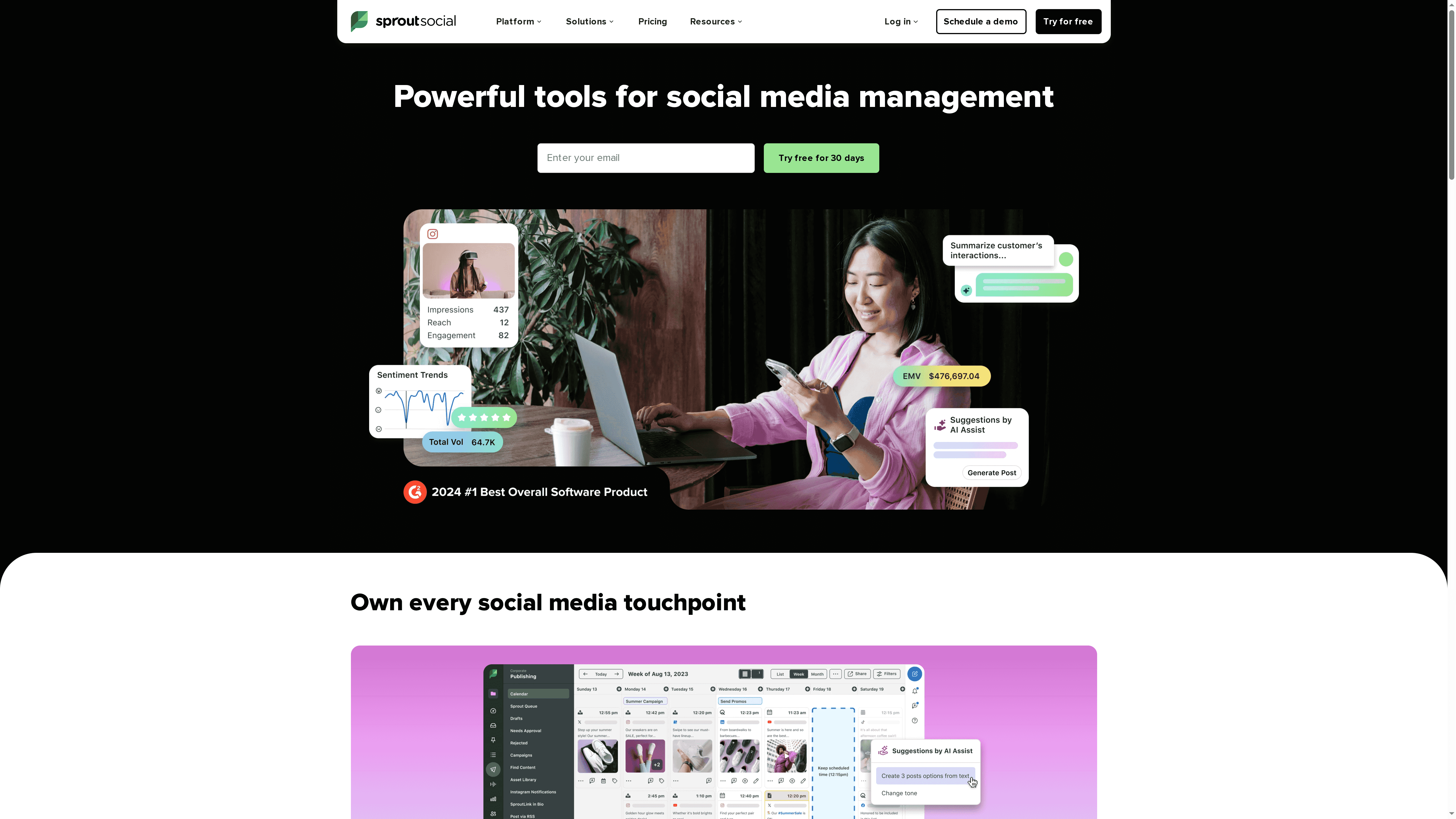
Sprout Social is a full‑featured social media management platform that helps teams plan, schedule, engage and analyse social activity from one central place. Its AI‑assisted engagement tools speed up responses while preserving tone and empathy, and the analytics suite surfaces performance and trends you can act on. That breadth makes it suitable for both small teams and large enterprises, though costs and optional add‑ons can push the price higher as you scale.
Core Features
Sprout Social provides tools to plan and schedule content so your brand stays active across channels, AI‑powered engagement to respond quickly and thoughtfully to customers, and analytics to measure performance. It also offers real‑time trend discovery and integrates with leading social platforms and partner tools for unified management. These capabilities combine to cover the full social workflow: publishing, listening, responding and reporting.
Pros
Comprehensive social media management features mean you can run scheduling, engagement and reporting from a single dashboard rather than juggling multiple apps.
AI‑assisted engagement improves response speed and quality, helping teams maintain consistent tone and resolve enquiries more efficiently.
Strong analytics and reporting capabilities provide clear insight into campaign performance and trending conversations to inform future content.
Wide range of integrations and partnerships allows you to connect Sprout Social with other tools in your marketing stack for smoother workflows.
Flexible plans suitable for different team sizes and needs make it possible to start small and upgrade as your requirements grow.
Cons
Pricing can be high for larger teams or enterprise features, making the platform a significant investment for fast‑growing merchants.
The breadth of functionality may be complex for new users to navigate, which can mean a longer onboarding period for smaller teams.
Some capabilities, such as premium analytics, are available only as additional paid add‑ons, increasing total cost for advanced reporting.
Who It’s For
Sprout Social is aimed at businesses and marketing teams who need a comprehensive social media platform to streamline workflows, improve customer engagement and measure outcomes. If you run multiple accounts, manage a social team, or rely on social for customer support and growth, Sprout Social gives you the tools to centralise those activities.
Unique Value Proposition
What sets Sprout Social apart is the combination of AI‑assisted engagement with robust analytics and broad integrations, all backed by dedicated customer support. That mix lets teams move from reactive replies to proactive social strategy, while keeping reporting and discovery tightly connected to day‑to‑day operations.
Real World Use Case
A brand uses Sprout Social to schedule content across multiple platforms, handle customer enquiries with AI‑assisted responses for speed and consistency, analyse campaign performance to refine creatives, and monitor trending topics to shape upcoming promotions and product messaging.
Pricing
Starting at $199 per seat per month for the Standard plan, with higher tiers at $299 and $399 per seat per month and custom enterprise options; a free 30‑day trial is available without a credit card.
Website: https://sproutsocial.com
Buffer
At a Glance
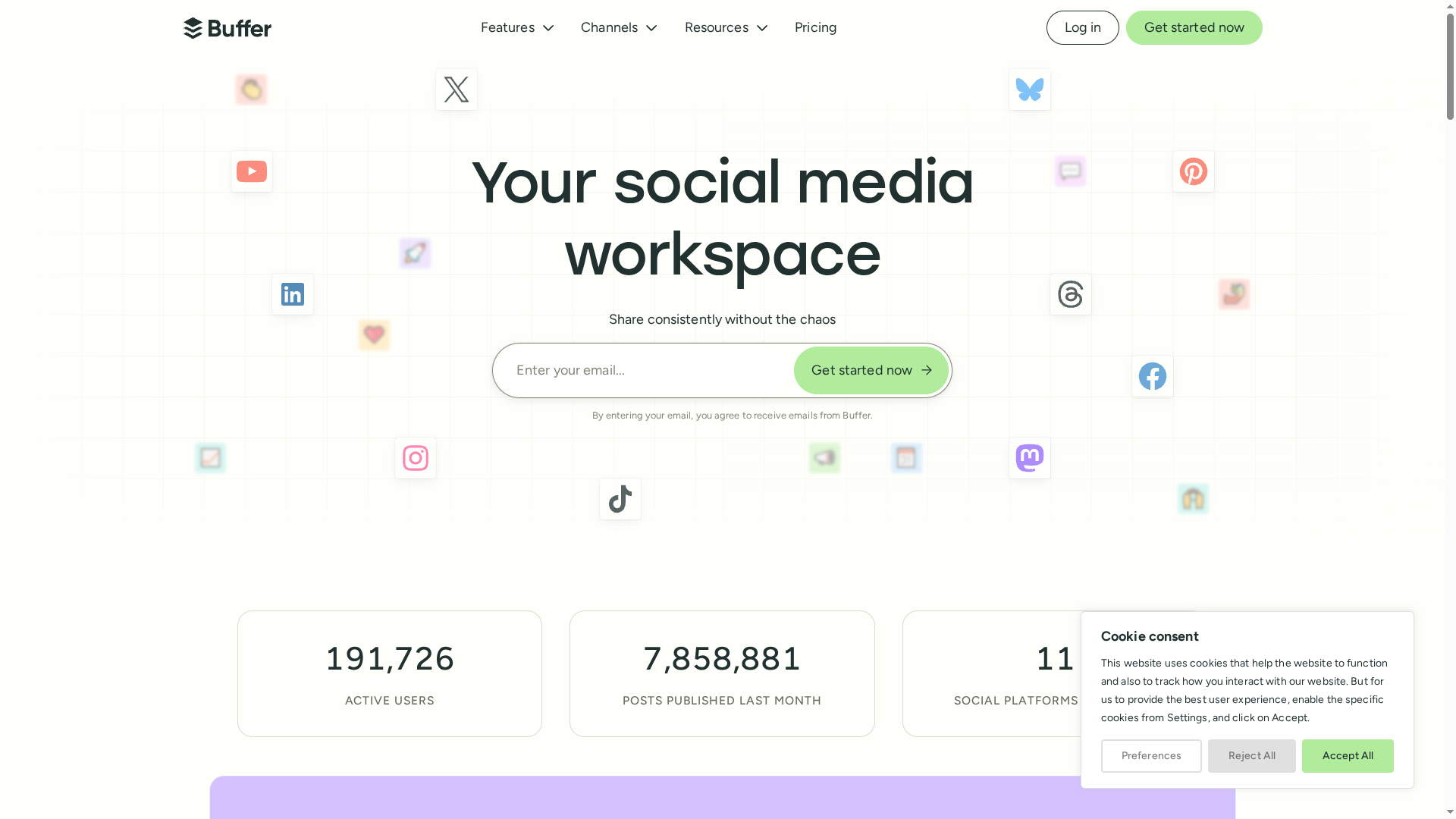
Buffer is a straightforward social media management tool that helps businesses and creators plan, schedule and analyse posts across multiple platforms. It’s approachable for solo owners yet offers team collaboration features that scale to small agencies. In practice, Buffer shines where reliability and clean workflows matter most — but you’ll pay more as you add channels or seats.
Core Features
Buffer centralises scheduling across platforms with both auto-publish and notification options, and includes tools for content creation and idea organisation. Teams get roles and permissions for collaborative workflows, while engagement tools let you reply to Facebook and Instagram comments. Analytics and reporting help you track performance, and integrations with Canva, Dropbox and Google Drive simplify content import. There’s also link shortening, hashtag management and an AI assistant for refining and repurposing copy.
Pros
Supports a wide range of social media platforms, so you can manage Facebook, Instagram, Twitter and others from one dashboard without constant switching.
Strong collaboration tools make it simple to assign roles, share drafts and approve content, which reduces bottlenecks when multiple people touch the same calendar.
Advanced analytics and reporting provide useful metrics that help you evaluate what’s working and where to optimise your posting strategy.
Flexible pricing plans, including a free option, let you start small and decide whether to upgrade as your needs grow.
Reliable customer support with human agents means issues are more likely to be resolved quickly rather than relying on faceless bots.
Cons
The free plan restricts functionality — for example, it limits scheduled posts per channel which constrains regular publishing.
Several advanced capabilities are gated behind higher-tier plans, so you may need to upgrade to access the full feature set.
Pricing can increase significantly as you add channels or team members, which makes forecasting monthly costs more complex for growing stores.
Who It’s For
Buffer suits individuals, small businesses, social media managers, agencies and creators who want a reliable, easy-to-learn tool to schedule content and collaborate on campaigns. If you manage a handful of channels and value a clean interface and human support, Buffer will likely fit well. If you’re operating dozens of channels or need every advanced feature out of the box, prepare to compare tiers closely.
Unique Value Proposition
Buffer’s strength is its simplicity combined with practical team features: a clean scheduling workflow, dependable publishing, and integrations that remove friction when building campaigns. It doesn’t overwhelm you with complexity, yet it gives teams the controls they need to produce consistent, measurable social content.
Real World Use Case
A small retail business uses Buffer to plan and schedule weekly posts across Facebook, Instagram and Twitter, routes content to a colleague for approval, and then monitors engagement metrics to refine captions and posting times — all without juggling multiple logins.
Pricing
Free plan available with limited features; Essentials plan from $5/month per channel; Team plan from $10/month per channel (billed yearly), with higher-tier plans offering additional features and unlimited scheduling.
Website: https://buffer.com
Later
At a Glance
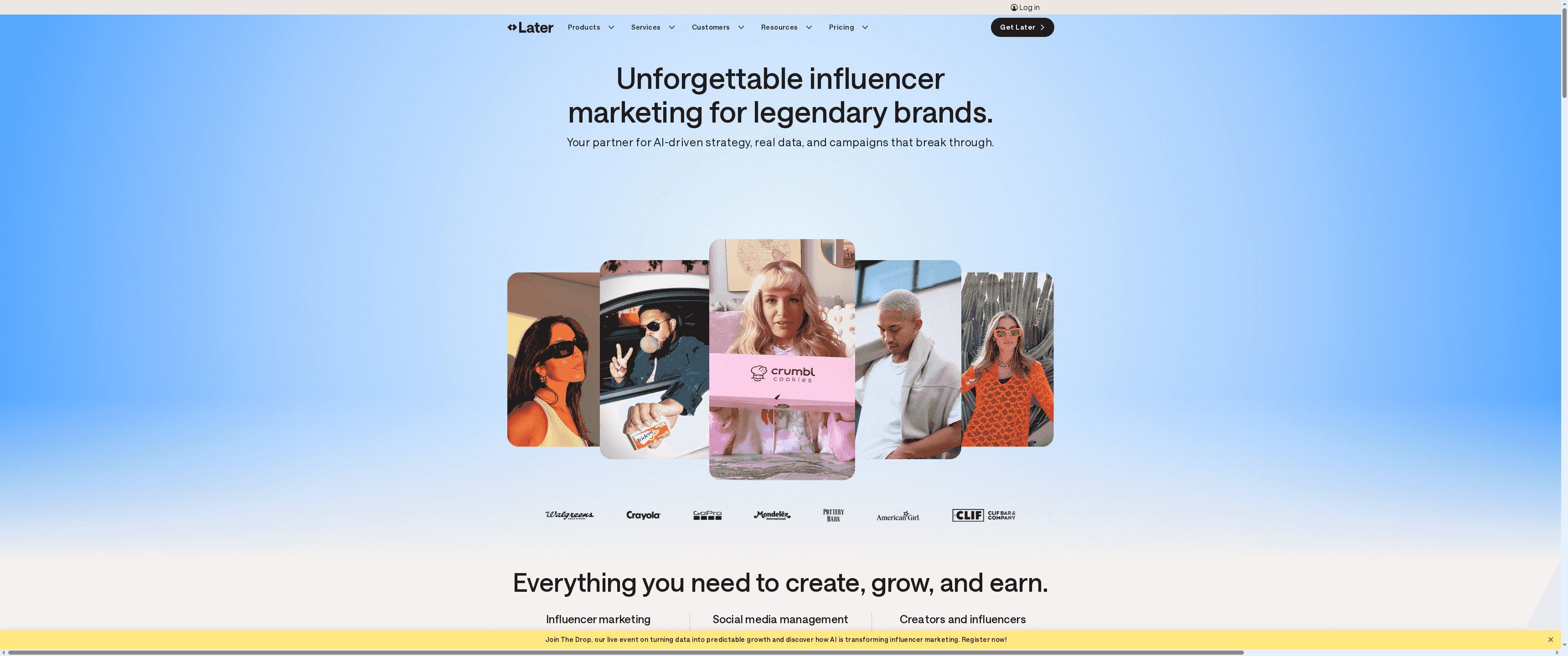
Later is a data-first social platform built for influencer-led growth, social publishing, listening and creator monetisation. It blends exclusive first‑party data with AI-driven creator matching and campaign management to take a campaign from strategy through to measurable outcomes. For brands and agencies focused on influencer ROI and trend-led content, it’s a solid, modern toolkit — though higher‑end analytics are gated behind top tiers. Worthwhile for teams ready to invest in quality insight and execution.
Core Features
Later combines five clear capabilities: influencer marketing campaign management powered by exclusive data and AI insights; cross‑platform scheduling, planning and publishing; social listening and trend analysis to monitor conversations and competitors; creator collaboration and payments via Mavely; and advanced analytics with real‑time reporting and API access. Together these features let you plan content calendars, identify and vet creators, run outreach and payments, then measure engagement, sentiment and sales performance in one place.
Quick note. It’s comprehensive. But it isn’t lightweight.
Pros
Data‑driven decision making: Later pairs first‑party data with AI insights and manual expertise to make creator selection and campaign strategy more objective. This reduces guesswork and speeds up matching.
End‑to‑end campaign management: From ideation to execution, Later supports strategy, outreach, collaboration and payment, which keeps operations centralised and easier to manage.
Robust social listening and analytics: The platform’s listening tools and reporting give you real‑time signals on trends, sentiment and competitor activity, helping you optimise content quickly.
Integrated creator marketplace and vetting: Built‑in creator discovery and vetting (including Mavely workflows) streamline creator selection and improve the chances of campaign success.
Flexible plans for different users: Pricing tiers and plan structures cater to brands, agencies and creators, so you can scale features as your needs grow.
Cons
Pricing may stretch smaller budgets: The platform’s value is clear, but costs can be a consideration for smaller brands or solo creators with tight margins.
Steep onboarding curve for full feature use: With an extensive feature set, teams should expect an onboarding period to learn workflows and extract maximum value.
Advanced analytics locked to higher tiers: Some of the deeper analytics and API capabilities are only available on upper plans, which can limit insight for lower‑tier subscribers.
Who It’s For
Later is best suited to brands and marketing teams that run influencer programmes, agencies managing multiple client campaigns, and creators serious about monetising their audience. If you need data‑backed creator matching, centralised campaign workflows and listening‑led content strategy, this platform will meaningfully reduce manual work and improve ROI.
Unique Value Proposition
Later’s unique edge is the combination of exclusive first‑party data, AI‑assisted creator matching and a fully integrated campaign workflow. That mix turns influencer marketing from a scattergun effort into a measurable discipline — you can find creators, pay them, publish content and attribute outcomes within a single system.
Real World Use Case
A brand runs a TikTok influencer campaign using Later: AI suggests high‑fit creators, the team coordinates briefs and payments through Mavely, and social listening tracks emerging trends mid‑campaign so content is pivoted for higher engagement and sales conversions.
Pricing
Starting at $18.75/month (Starter), $37.50/month (Growth) and $82.50/month (Scale) when billed annually; monthly billing is available at higher rates.
Website: https://later.com
SocialBee
At a Glance
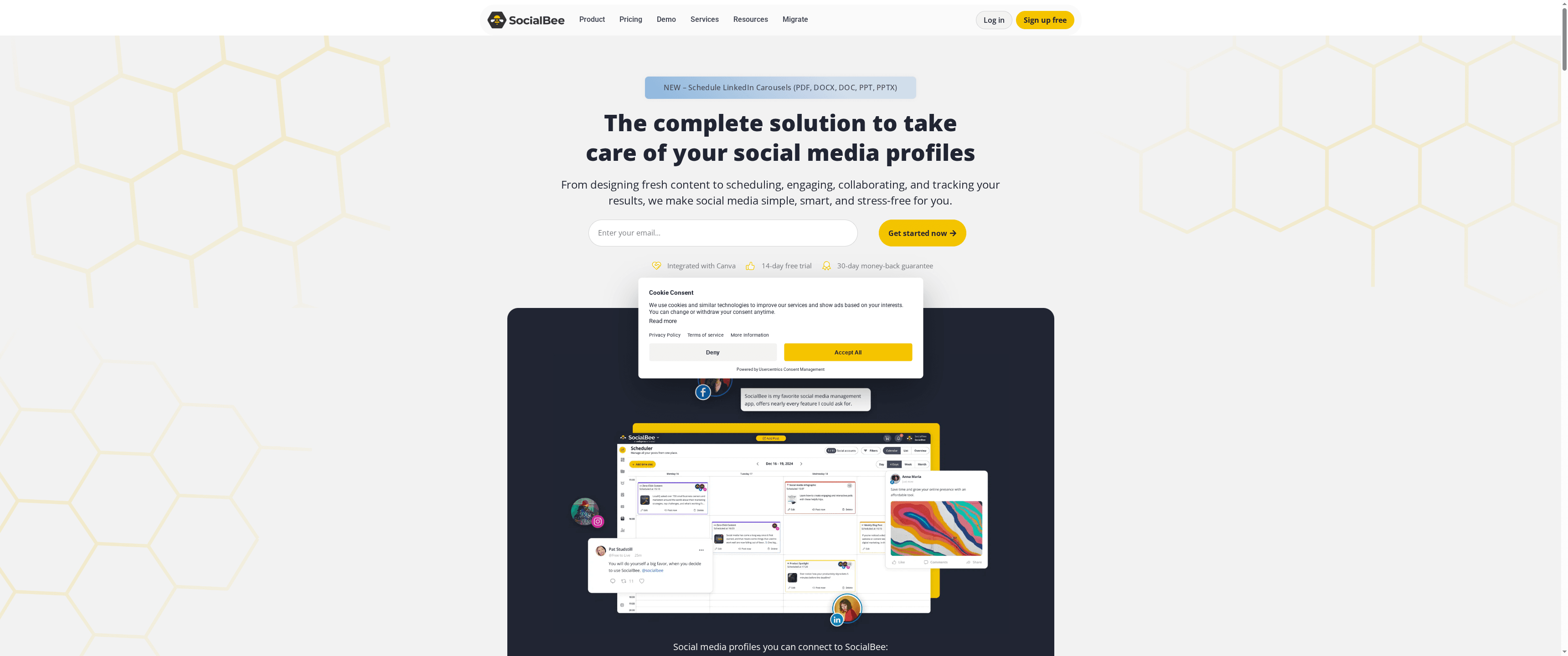
SocialBee is an AI-powered social media management platform that brings content creation, scheduling and analytics together in a single workspace. It simplifies building posts with integrations like Canva, Unsplash and Giphy, while an AI assistant helps generate captions, images and hashtags. For teams and agencies juggling multiple profiles, SocialBee reduces manual busywork and centralises engagement tracking. It’s powerful — though that breadth can feel daunting at first.
Core Features
SocialBee combines integrated content tools and automation: design and craft posts with Canva, Unsplash and Giphy; generate captions, images and hashtags using AI; schedule and automate publishing across multiple networks; monitor performance through key metrics and reports; and manage mentions, comments and messages from a single inbox for all connected accounts. Collaboration features let teams coordinate workflows, and the analytics help you see what’s working without piecing together separate spreadsheets.
Pros
All-in-one platform for content creation, scheduling and analytics: You can move from idea to published post and performance report without leaving the platform.
AI tools for generating content and recommendations: The built-in assistant speeds up caption and hashtag generation, saving creative time.
Supports a wide range of social media networks: Multiple profiles are supported so you can manage clients or brand channels from one place.
Collaborative features for teams and agencies: Team members can work together on content calendars and approvals, improving workflow transparency.
Transparent pricing and free trial available: You can test the platform before committing, and the pricing structure is clearly described.
Cons
Could be overwhelming for absolute beginners due to extensive features: The platform’s depth means a learning curve for users who want a very simple scheduler.
Pricing may add up with additional users or profiles: Adding team members or many social accounts can push you into higher plans.
Some advanced features require higher-tier plans: Access to the most powerful automation or analytics functions is gated behind pricier subscriptions.
Who It’s For
SocialBee is best suited to businesses, agencies and content creators that need an integrated, automated approach to social media. If you manage multiple client accounts or brand channels and require collaboration tools plus performance reporting, SocialBee is tailored to your needs. Smaller users who only want a basic scheduler may find it more tool than they need.
Unique Value Proposition
SocialBee’s strength is its combination of AI-assisted content creation with first-party integrations for visual assets, all wrapped into a single management and engagement inbox. That mix shortens the content production cycle and keeps creative assets and metrics tightly connected — ideal when time and consistency matter.
Real World Use Case
A digital marketing agency uses SocialBee to schedule multi-client campaigns, generate draft captions with the AI assistant, and pull unified analytics to report results to clients. The team saves hours each week by automating recurring posts and handling engagement from one inbox.
Pricing
Starting at $29/month billed monthly or $290/year billed annually; free trial available. Annual subscriptions and agency plans offer discounted rates and expanded features.
Website: https://socialbee.com
Sendible
At a Glance
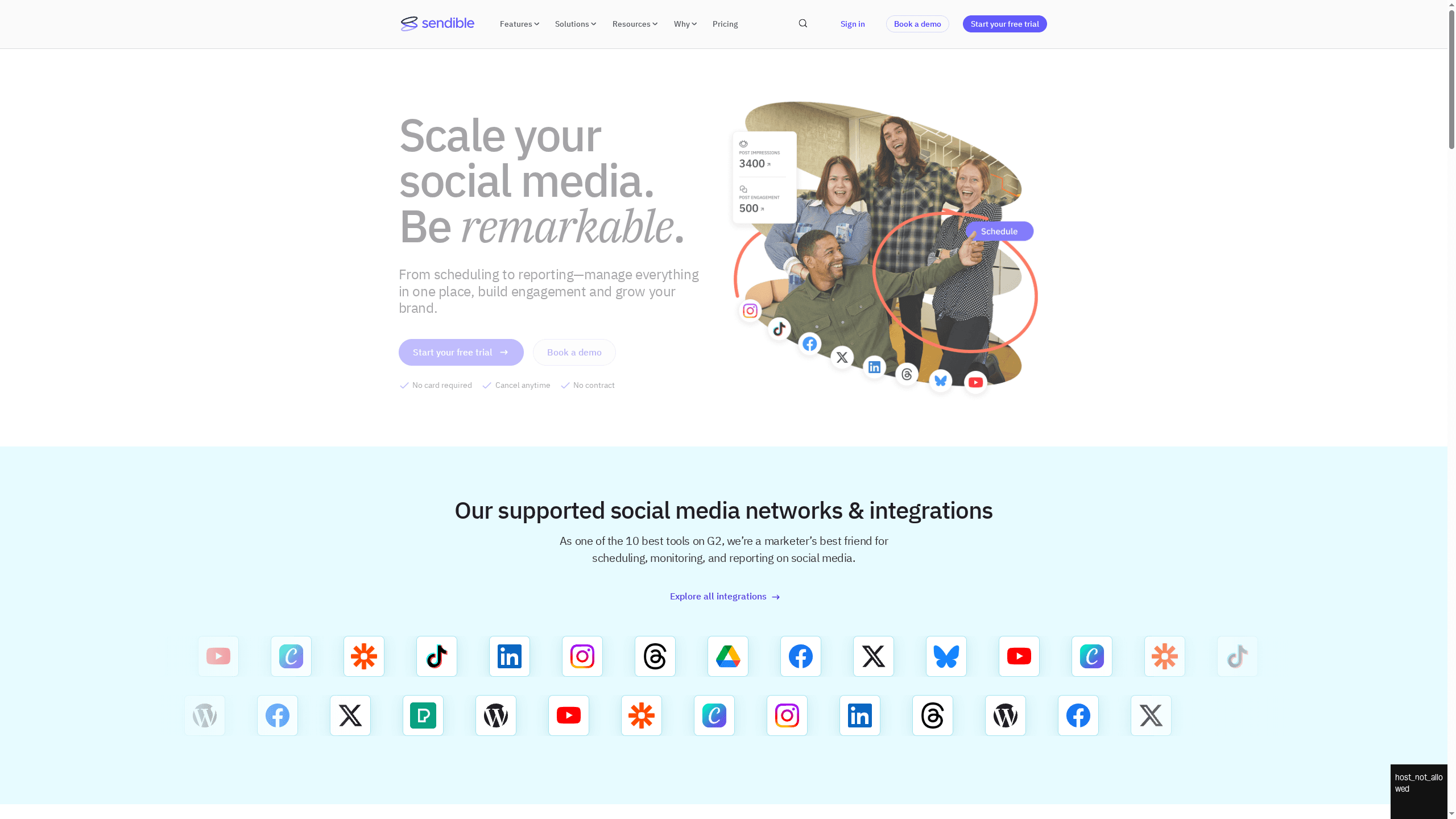
Sendible is a full-featured social media management platform built for agencies, brands and marketers who manage multiple accounts and client relationships. It combines scheduling, engagement monitoring and reporting in one place, with strong collaboration and white-label options for agencies. If you need a single dashboard to coordinate numerous profiles and generate client-ready reports, Sendible delivers — though it can feel overwhelming for newcomers and smaller teams on tight budgets.
Core Features
Sendible centralises post scheduling across Facebook, Twitter, Instagram, LinkedIn, TikTok and Google My Business, and supports bulk scheduling, smart queues and content libraries to speed up repetitive workflows. Content sourcing comes via RSS feeds, Google Alerts and holiday calendars, while a built-in editor and integrations with Giphy, Pexels and Canva help create visuals without leaving the platform. Teams benefit from client dashboards, approval workflows and secure profile connections, and the platform includes real-time engagement monitoring plus automated and custom analytics reports — all useful for demonstrating ROI.
Pros
Wide network support and integrations: Sendible supports a broad range of social networks and creative integrations, enabling you to post and craft content in one place.
Robust scheduling and automation: The platform’s bulk scheduling, smart queues and content library features make it practical to plan weeks or months of content efficiently.
Strong collaboration and client tools: Client dashboards, approval workflows and permission settings simplify agency-client workflows and reduce back-and-forth.
Comprehensive analytics and reporting: Automated and custom reporting helps you measure campaign performance and produce client-ready reports without manual spreadsheet work.
Flexible plans for different team sizes: Multiple tiers and agency-focused options, including white-labeling, cater to freelancers through to larger agencies.
Cons
Pricing may be expensive for smaller teams or individuals: The starting price and higher-tier features can put Sendible out of reach for solo operators or very small businesses.
Interface complexity for new users: The depth of features and options can feel complex and take time to learn, particularly if you’re new to social media suites.
Daily posting limits vary by plan: Limits on daily posts and profiles depending on plan can restrict very high-volume publishers and require upgrading to higher tiers.
Who It’s For
Sendible is ideal for marketers, social media managers and agencies who handle multiple client accounts and need structured collaboration, approvals and reporting. If your priority is scalable client management and presenting polished analytics, Sendible is a sensible choice. If you’re an individual creator or a tiny team with minimal budget, you may find it more than you need.
Unique Value Proposition
Sendible’s strength lies in pairing agency-friendly client management and white-label options with mature scheduling, content sourcing and reporting tools, creating a single platform for both execution and client communication.
Real World Use Case
A marketing agency uses Sendible to schedule campaigns across multiple clients, monitor engagement in real time, route comments to the right team member and generate automated monthly reports to demonstrate ROI — saving hours of manual work and improving client satisfaction.
Pricing
Starting at $29/month for creators, with higher tiers for businesses and agencies and discounts for annual payments; custom enterprise solutions are available.
Website: https://sendible.com
Social Media Management Tools Comparison
This table provides a side-by-side comparison of various social media management tools, highlighting their features, pros, cons, and pricing to help you make an informed choice.
Product | Key Features | Pros | Cons | Pricing |
I Want To Be Seen | SEO, social media, branding, paid ads, website optimisation, AI-driven automation | Comprehensive services, experienced leadership, AI efficiency, mentorship, industry recognition | Pricing not specified | Pricing not specified |
Hootsuite | Scheduling, listening, analytics, AI content assistance, integrations | Comprehensive management, strong automation, vast integrations, team features, robust analytics | Complex for new users, higher pricing for full features | Starts at Standard plan; exact pricing not specified |
Sprout Social | Planning, scheduling, engagement, analytics, AI tools, trend monitoring | All-in-one platform, AI engagement, strong analytics, wide integrations, flexible plans | High pricing for larger teams, complex onboarding, paywalled advanced features | Starts at $199/seat/month |
Buffer | Scheduling, analytics, content creation integrations, collaboration features, AI tools | Multiplatform support, strong collaboration, analytics, flexible pricing, reliable support | Limited free plan, advanced features behind paywall, rising costs with additional channels | Free plan available; Essentials from $5/month per channel |
Later | Influencer marketing, scheduling, social listening, creator collaboration, advanced analytics | Data-driven decisions, end-to-end management, social listening, creator marketplace, flexible plans | High costs for small brands, learning curve, higher-tier analytics | Starts at $18.75/month (Starter) |
SocialBee | Content creation and scheduling, AI tools, analytics, team collaboration | All-in-one platform, AI content generation, multi-network support, team collaboration, transparent pricing | Complexity for beginners, rising costs with users, advanced features require higher-tier plans | Starts at $29/month |
Sendible | Scheduling, engagement monitoring, reporting, collaboration, client management | Wide network support, automation, strong collaboration, comprehensive analytics, flexible plans | High pricing for small teams, complex interface, varying daily posting limits based on plan | Starts at $29/month |
Elevate Your Ecommerce Marketing with Expert Social Media Strategies
Navigating the maze of social media tools can be overwhelming, especially when you crave clear results and sustainable growth. This article highlights how managing multiple platforms, analysing performance data and maintaining consistent brand engagement are common hurdles for ecommerce businesses. If you have felt the strain of juggling complex scheduling, chasing content ideas and maximising ROI while keeping costs under control you are not alone.
At I Want To Be Seen we understand these challenges deeply. With over 25 years of hands-on experience scaling successful ecommerce brands, our digital marketing services harness SEO, AI-driven automation, social media expertise and PPC to drive measurable outcomes without expanding your team excessively. Discover how our strategic mentorship and practical AI tools can simplify your campaigns and enhance your marketing clarity — learn more here.

Why settle for fragmented solutions when you can partner with a team that treats your store as its own? Take the guesswork out of social media management. Act now to transform complexity into growth with I Want To Be Seen and unleash your ecommerce potential today.
Frequently Asked Questions
What factors should I consider when choosing a social media tool for ecommerce?
When choosing a social media tool for ecommerce, consider features such as scheduling, analytics, integrations, and support for multiple platforms. Evaluate how each tool aligns with your specific business needs and marketing strategy to ensure you select one that streamlines your processes and enhances engagement.
How can social media tools help improve my ecommerce marketing strategy?
Social media tools can enhance your ecommerce marketing strategy by providing capabilities like automated scheduling, performance analytics, and collaboration features. Implement a tool that allows you to monitor trends and track ROI so you can adjust your campaigns effectively, leading to higher engagement rates within your target audience.
What is the average cost of social media tools for ecommerce?
The average cost of social media tools for ecommerce varies widely based on features and team size, typically ranging from free plans to around $400 per month for advanced capabilities. Review pricing structures of different tools to find one that fits your budget while still delivering the needed functionality, possibly trialing a few for a hands-on evaluation.
How can I measure the effectiveness of social media tools in my ecommerce business?
To measure the effectiveness of social media tools, track key performance indicators (KPIs) such as engagement rates, conversion rates, and return on ad spend (ROAS). Set benchmarks and regularly assess these metrics to identify trends and areas for improvement, adjusting your strategies based on insights gathered from your campaigns.
Is it beneficial to use multiple social media tools for ecommerce?
Using multiple social media tools can be beneficial if they each fulfill specific needs, such as scheduling, analytics, and customer engagement. However, ensure that they integrate well to streamline workflows and avoid duplication of effort, which can lead to inefficiencies in your overall ecommerce strategy.
How long does it typically take to see results from using social media tools?
Typically, you can expect to see measurable results from social media tools within 30 to 60 days, depending on the tool’s capabilities and your marketing efforts. Start by setting clear objectives and frequently monitor KPIs to gauge progress, adjusting your tactics as necessary to achieve desired outcomes.
Recommended
Comments